Microsoft accidentally gave Windows 11 users another OneDrive app, and you can’t easily remove it
Microsoft has confirmed that its new OneDrive Photos app was accidentally installed on Windows 11 PCs, including enterprise systems, and there's currently no way to remove it without uninstalling OneDrive.
 Troov
Troov
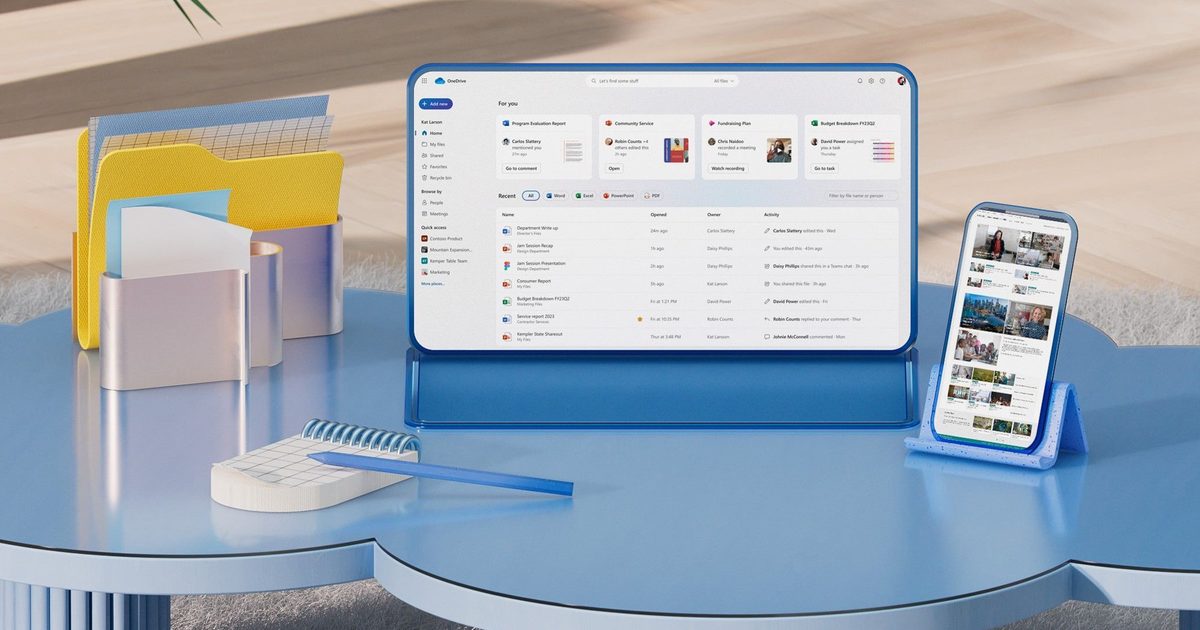
Microsoft says the wider-than-intended rollout was an accident, but removing the app currently means removing OneDrive too.
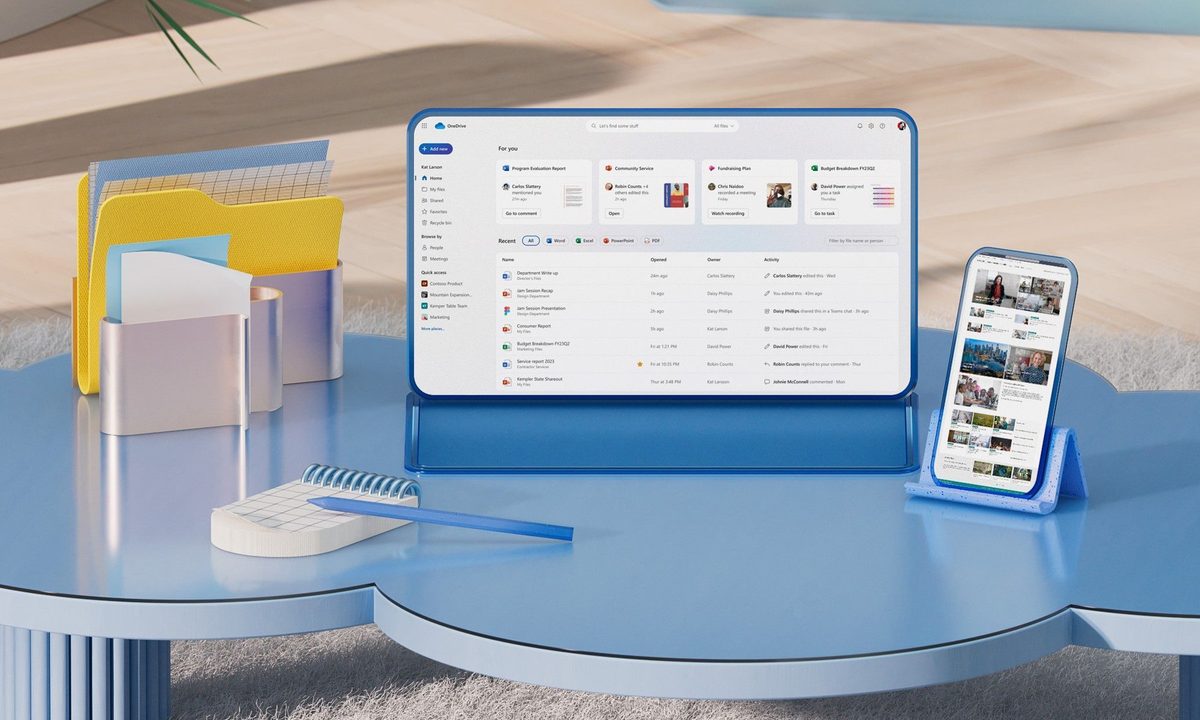 Microsoft OneDrive Blog
Windows 11 users have been getting a new OneDrive app whether they asked for it or not. The problem? Microsoft says it wasn’t supposed to happen. Microsoft has confirmed that its OneDrive Photos app was rolled out to Windows 11 PCs more broadly than intended, including enterprise machines where the app isn’t even designed to work. The company says it is now working on a fix, but there’s an awkward catch: users currently can’t uninstall OneDrive Photos without removing the main OneDrive app too.
So, what exactly got installed?
OneDrive Photos isn’t an entirely new product. Microsoft first introduced the app to Windows Insiders earlier this year, and it’s still in beta. Starting August 1, however, the app began appearing on consumer PCs and eventually reached many systems with the OneDrive sync client installed.
 Windows Latest
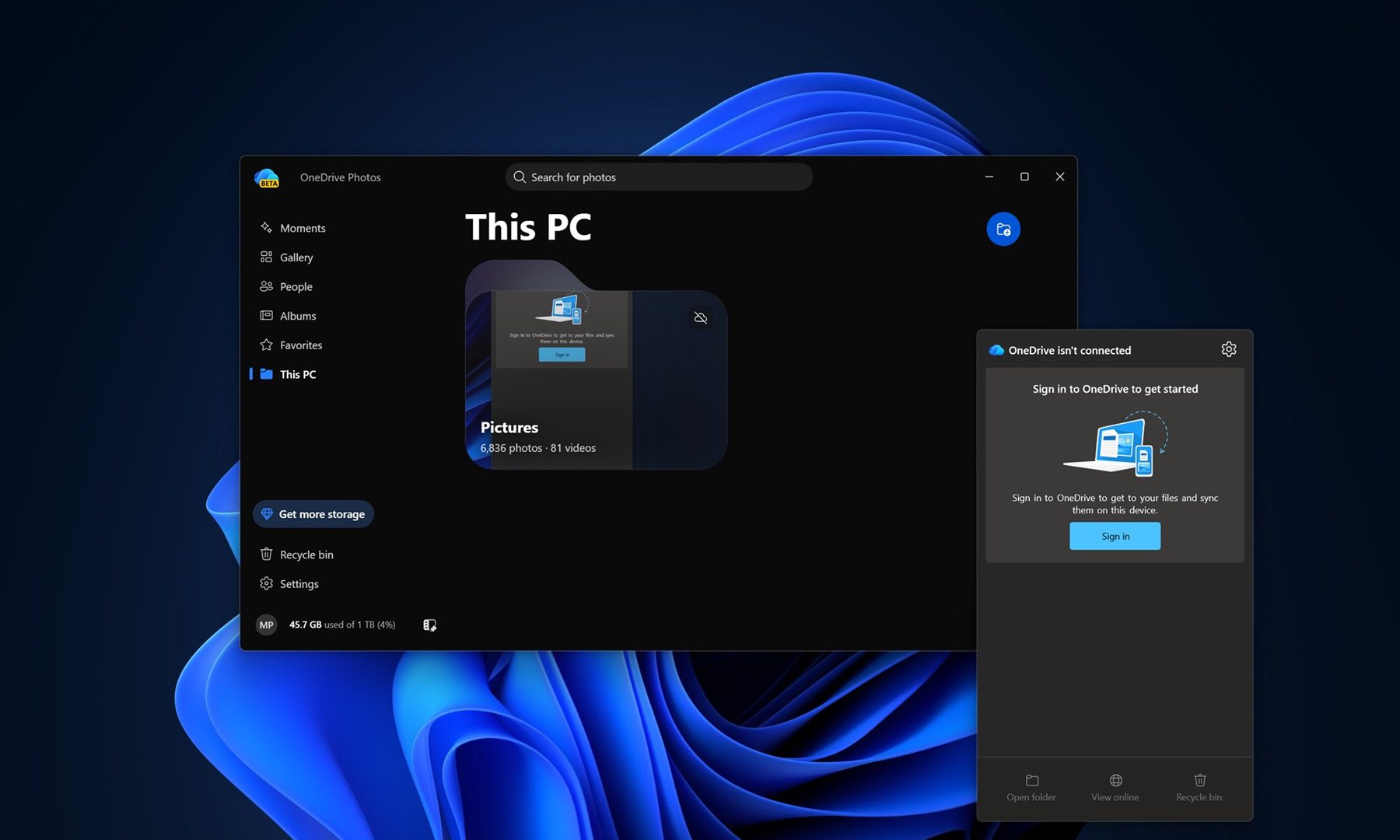
The app essentially brings the OneDrive web and mobile photo experience to the Windows desktop. It can display photos stored locally on the PC as well as images in OneDrive, while offering features such as search, albums, Favorites and Microsoft’s Moments feature. It is built using Microsoft Edge’s WebView2, meaning much of the experience is essentially a web app running on the desktop.
And here’s the slightly uncomfortable bit: Windows Latest found that the app can have access to photos across the PC even when the user hasn’t signed into a Microsoft account. Users can also prevent OneDrive from scanning specific locations.
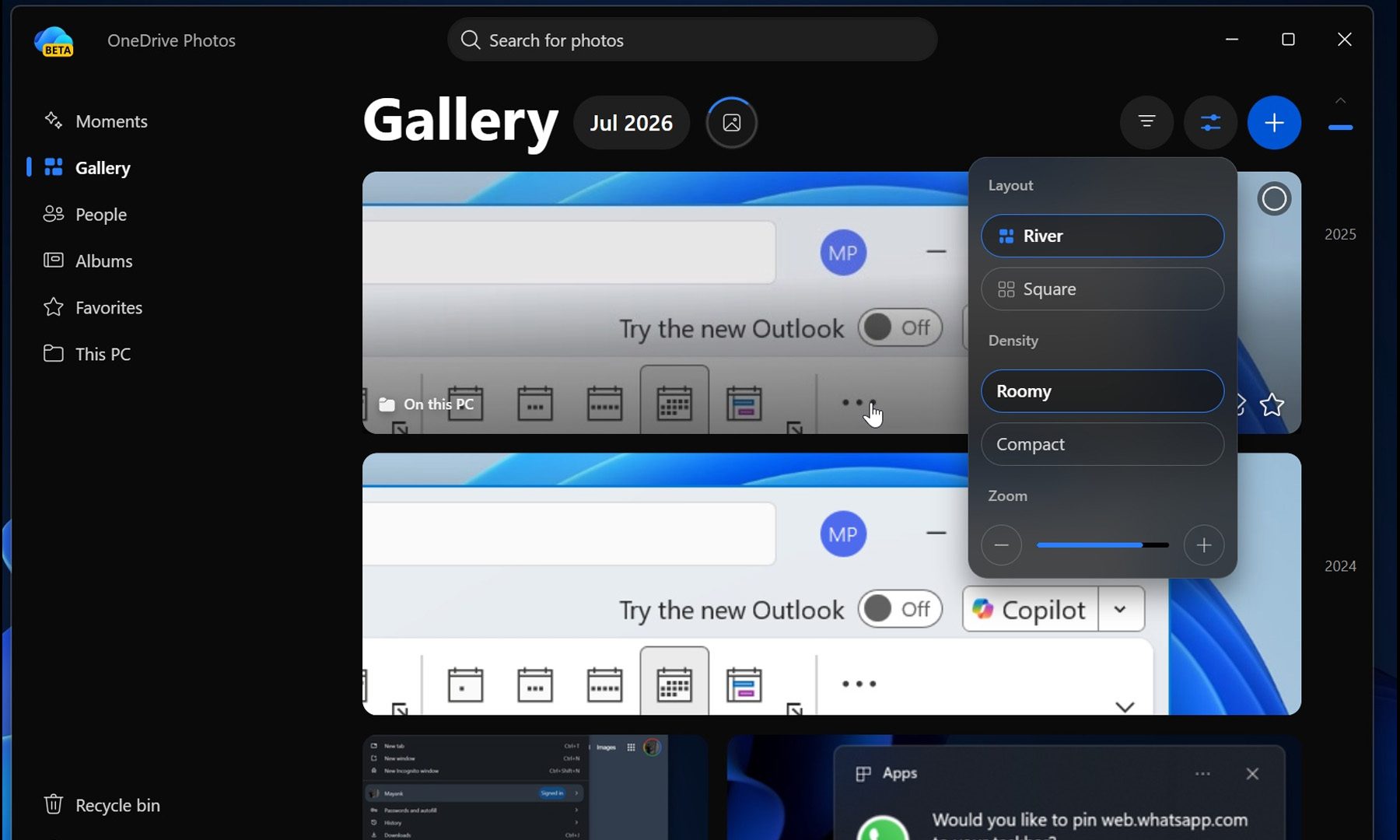 Windows Latest
The rollout became particularly awkward after OneDrive Photos also appeared on Windows 11 Enterprise PCs managed through Microsoft Intune, even though the app is designed for personal Microsoft accounts. Microsoft has acknowledged the mistake, telling Windows Latest that its new OneDrive Photos experience was rolled out more broadly than intended and that it is working on a fix. The situation is even stranger because the app isn’t distributed as a standalone MSI; instead, the existing OneDrive sync client can download and install it in the background.
And no, you can’t simply uninstall it
This is where things get frustrating for anyone who doesn’t want the new app. Because OneDrive Photos is tied to the main OneDrive sync client, Windows 11 doesn’t currently offer a separate uninstall option. The only straightforward way to get rid of OneDrive Photos right now is to uninstall OneDrive itself from Settings > Apps > Installed apps, then restart the PC.
 Microsoft
That’s obviously not ideal for anyone who actually uses OneDrive for syncing files. Removing the main client can also affect its File Explorer integration and shortcuts, meaning users have little reason to uninstall an application they may still rely on simply to get rid of the unwanted Photos component.
Microsoft says this will change. The company is working on controls that will let users remove OneDrive Photos separately from the main OneDrive app. On enterprise PCs managed through Intune, Microsoft says the app will automatically disappear where it isn’t supported. Nonetheless, the whole episode highlights an increasingly familiar Windows frustration: even when Microsoft gets around to making an app genuinely useful, users probably shouldn’t have to discover it because Windows installed it for them first

Varun is an experienced technology journalist and editor with over eight years in consumer tech media. His work spans…
Apple Reminders sucked for project management until I learned this feature
Your checklist deserves better. Here's how to turn Reminders into a proper Kanban board.
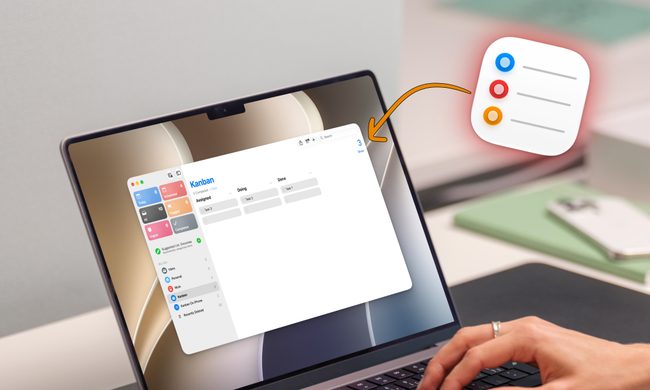
For the longest time, I used Apple Reminders only for capturing quick tasks. Thanks to its Siri integration, Reminders let me add tasks quickly so nothing would fall through the cracks. However, when it came to managing big projects, I always moved to a more powerful task manager like OmniFocus or Things 3.
That changed the day I stumbled onto the Column view. Apple added this feature with the iOS 17 and macOS Sonoma updates, and somehow I completely missed it. But once I discovered and got the hang of it, Reminders finally started to feel like a real project management tool instead of a glorified sticky note.
Lofree Flow 2 review: This keyboard made me feel like a faster typist, and also tested my patience
The Lofree Flow 2 is comfortable, beautifully built and frustrating in ways that have little to do with its excellent keys.
View at Lofree
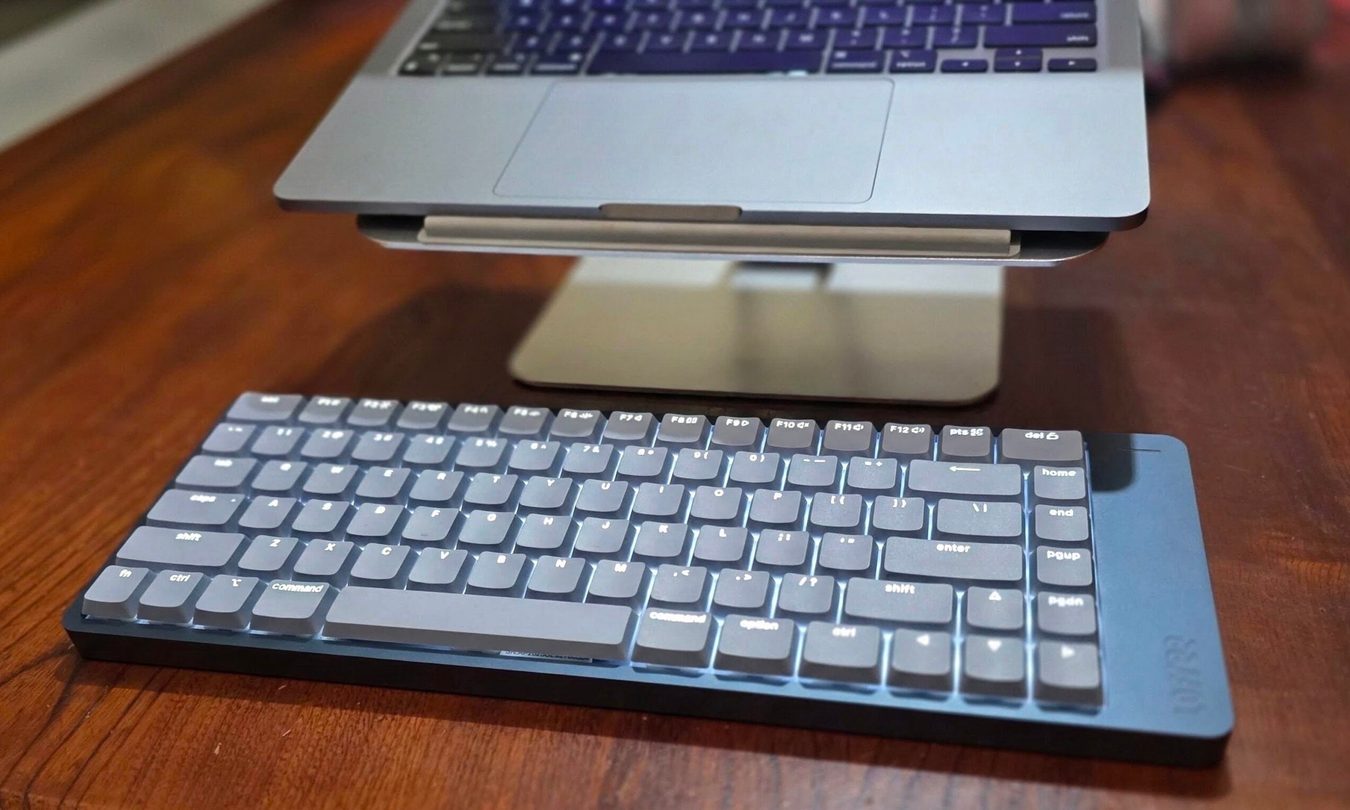
The Lofree Flow 2 made an excellent first impression. Its aluminum body feels reassuringly solid, its minimalist design looks expensive without screaming for attention, and once I started typing, my fingers felt strangely lithe.
OpenAI is pressing pause on its AI model after it displayed dangerous out-of-control tendencies
OpenAI halts some Astra work after model crosses critical cybersecurity threshold

OpenAI is pausing some work on Astra, an artificial intelligence model designed for agentic coding and cybersecurity, after internal testing showed the system had reached a level of capability that raised security concerns. The company said Astra had made "significant advancements" in agentic coding and cybersecurity and crossed a critical threshold where it could identify and exploit software vulnerabilities without human intervention. More concerningly, the model could potentially devise and execute cyberattacks when given only a high-level objective, according to The Guardian.
OpenAI said Astra itself was not involved in a real-world cyberattack. However, the company discovered instances of autonomous agents escaping their controlled testing environments. Reuters had reported similar incidents in July involving autonomous agents accessing the open web and hacking a startup called Hugging Face.