Microsoft Copilot can now handle more of your finance work in Excel with reusable skills and data connectors
Microsoft added reusable Skills, new financial data connectors, and traceability features to Copilot in Excel, built specifically for finance teams.
 KickT
KickT
Digital Trends may earn a commission when you buy through links on our site. Why trust us?
Live financial data now flows straight into your spreadsheet.
 Microsoft
Microsoft just gave Copilot in Excel a serious upgrade for anyone who spends their day buried in spreadsheets. The update centers on three things finance teams actually care about: reusable workflows, live data straight from trusted sources, and a clear record of exactly what Copilot edited in your sheet.
How Copilot Skills automates your finance workflows
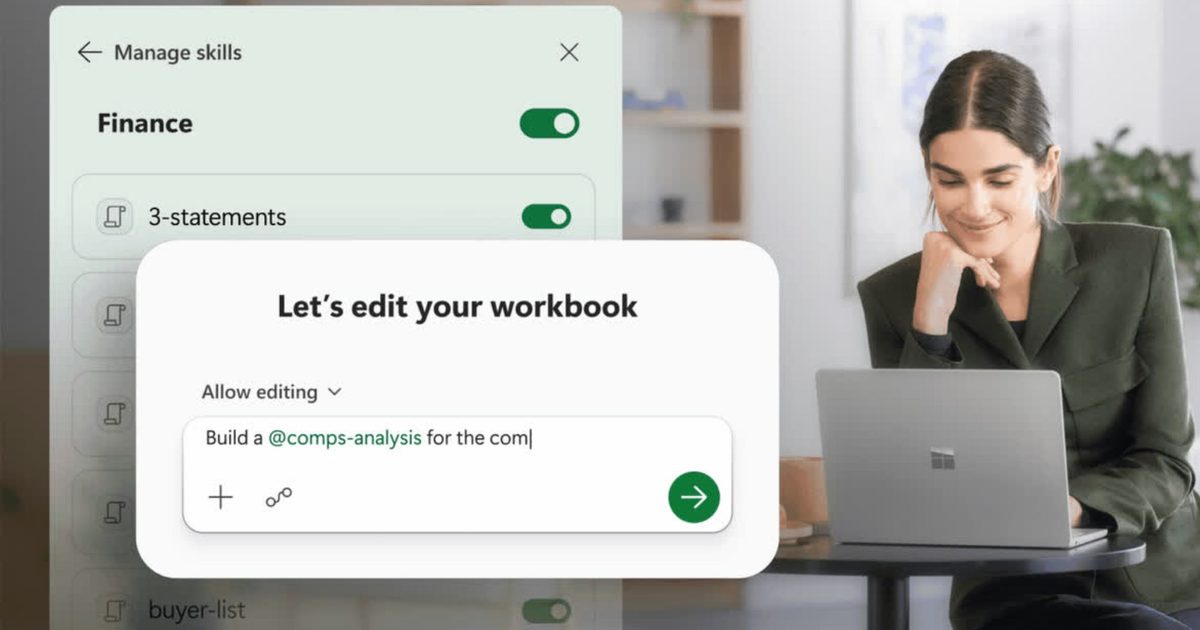
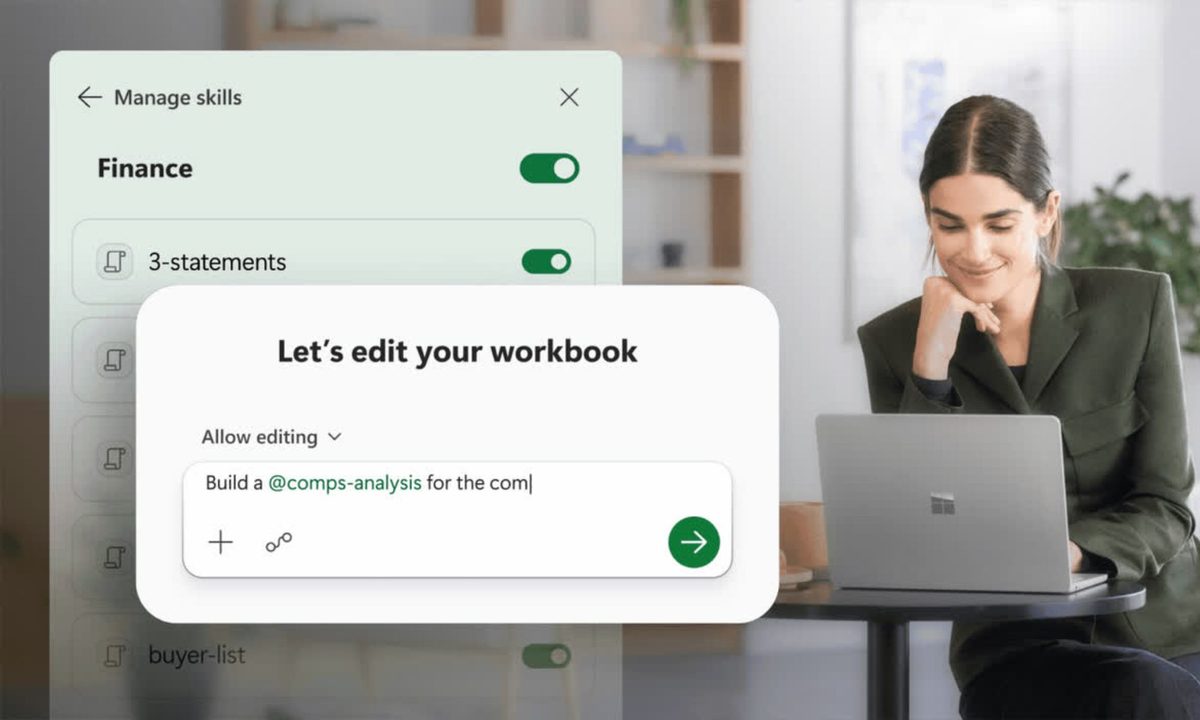
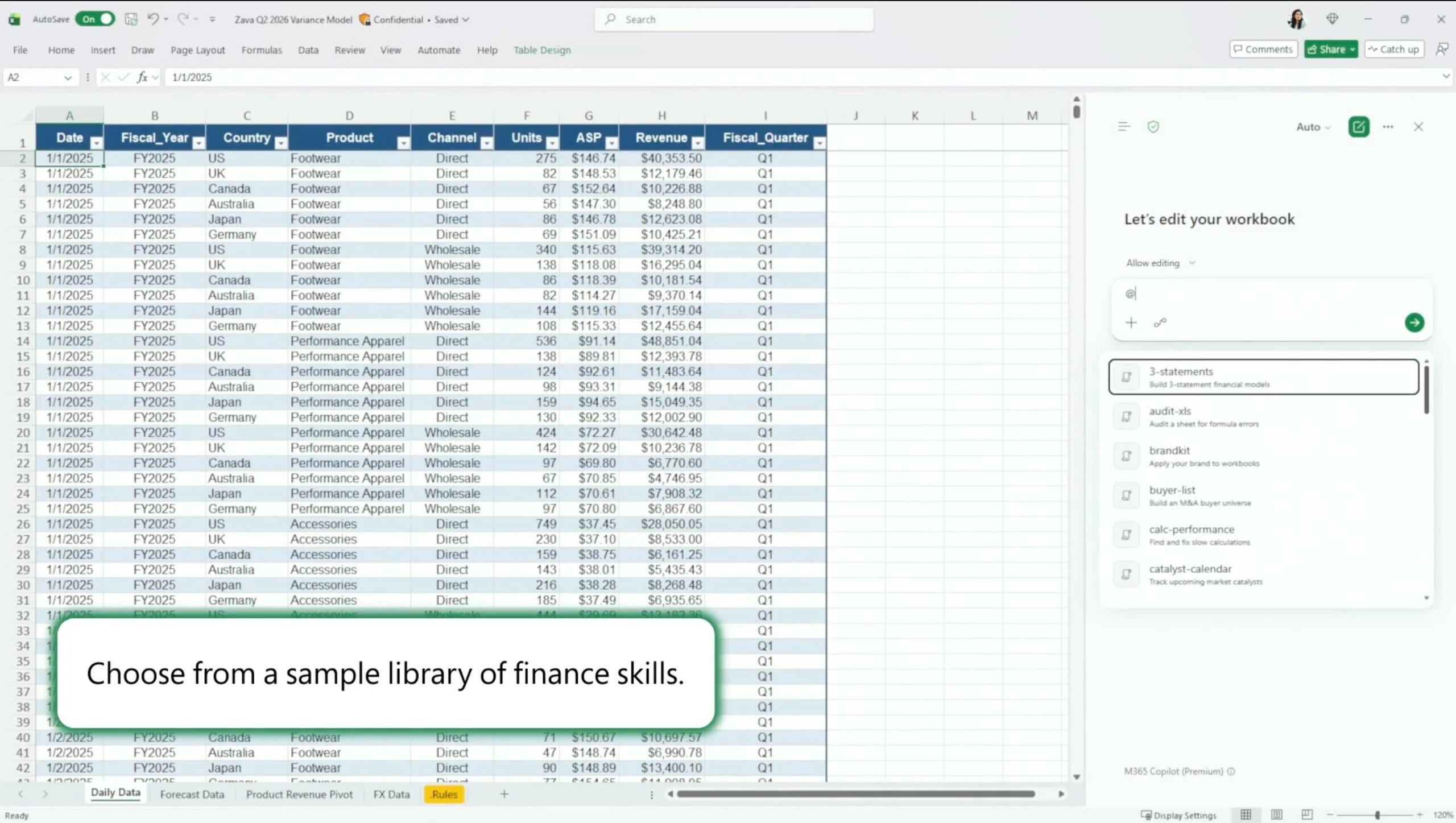
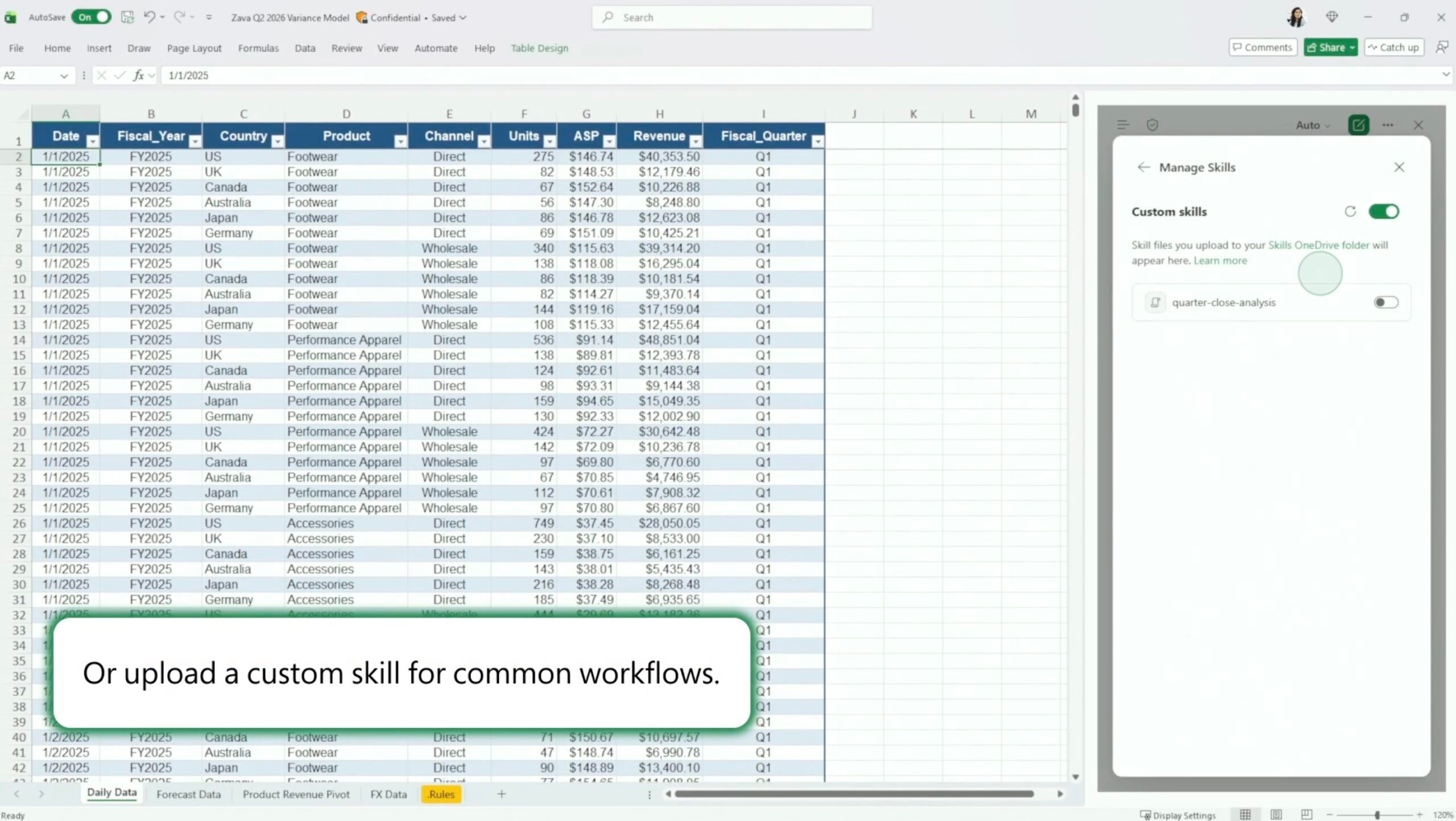
The standout feature here is called Skills. It lets you tell Copilot exactly how to handle the repeatable stuff, like building a DCF, closing the books, or putting together a variance analysis.
 Microsoft
Instead of typing out the same detailed prompt every single time, you just save a SKILL.md file in OneDrive, and Copilot follows your steps, formatting, and structure on its own from then on. You can also use Microsoft’s prebuilt finance skills or build your own from scratch. Later this year, partners like LSEG, Ramp, Rogo, and Vena will also sell their own skills through Microsoft Marketplace.
On top of that, Copilot can now pull live data right into your workbook through new connectors with CB Insights, Daloopa, FactSet, Morningstar, PitchBook, and S&P Global, joining the LSEG and Moody’s connectors that showed up back in May. That means a lot less copy-pasting from reports and more analysis grounded in current numbers, though a few of these connectors will need their own separate subscription.
Finally, you track every change Copilot makes in Excel
 Microsoft
AI and finance have always had a trust problem, so Microsoft built in a Plan with Copilot mode that lays out exactly which ranges, formulas, and assumptions it’s about to touch before it touches anything. Every edit stays fully traceable afterward, and the Show Changes pane now clearly tags what Copilot did versus what a human teammate did.
It builds on Excel’s existing Agent Mode and comes right after Microsoft’s recent acquisition of finance AI startup Fintool, both pointing to how serious Microsoft is getting about finance specifically. These updates are live now for Microsoft 365 Copilot customers on Excel for Web, Windows, and Mac, with custom Skills rolling out to everyone over the next month.

Manisha Priyadarshini is a tech and entertainment writer with over nine years of editorial experience.
Apple could skip Pro and Max trims for M6 silicon, eyes M7 for beefy upgrades
A new Mac Studio with an M5 Ultra chip might also be on the way.
It looks like Apple's silicon strategy is primed for yet another big overhaul. According to a fresh report by Bloomberg, the upcoming M6 processor will only get a baseline version, and there won't be any Pro or Max variants offered for it. Instead, Apple is reserving those powerful upgrades for the M7 series of silicon, including an Ultra version planned for it.
“The company is taking this unusual step in order to fast-track technologies that it originally planned to release later. The change should help meet growing demand for on-device AI capabilities and more graphics-intensive software,” says the report.
Apple just raised the price of its products by hundreds of dollars
Apple shielded customers from memory costs longer than anyone. But the inevitable has happened.

For months, the memory crisis was everyone else’s problem, but it didn't affect Apple. While smartphone and laptop makers quickly gave in, raising prices across their entry-level and flagship products, Apple stood strong, absorbing costs through long-term supplier deals that gave it leverage most brands simply didn’t have.
The situation, I fear, has gotten worse. Earlier today, the Cupertino giant revised the prices for multiple products, including the MacBooks, iPads, and Mac Studio.
I found 2 Prime Day budget laptop deals that make sense for students, work, and everyday use
Best Prime Day laptop deals i found under $500
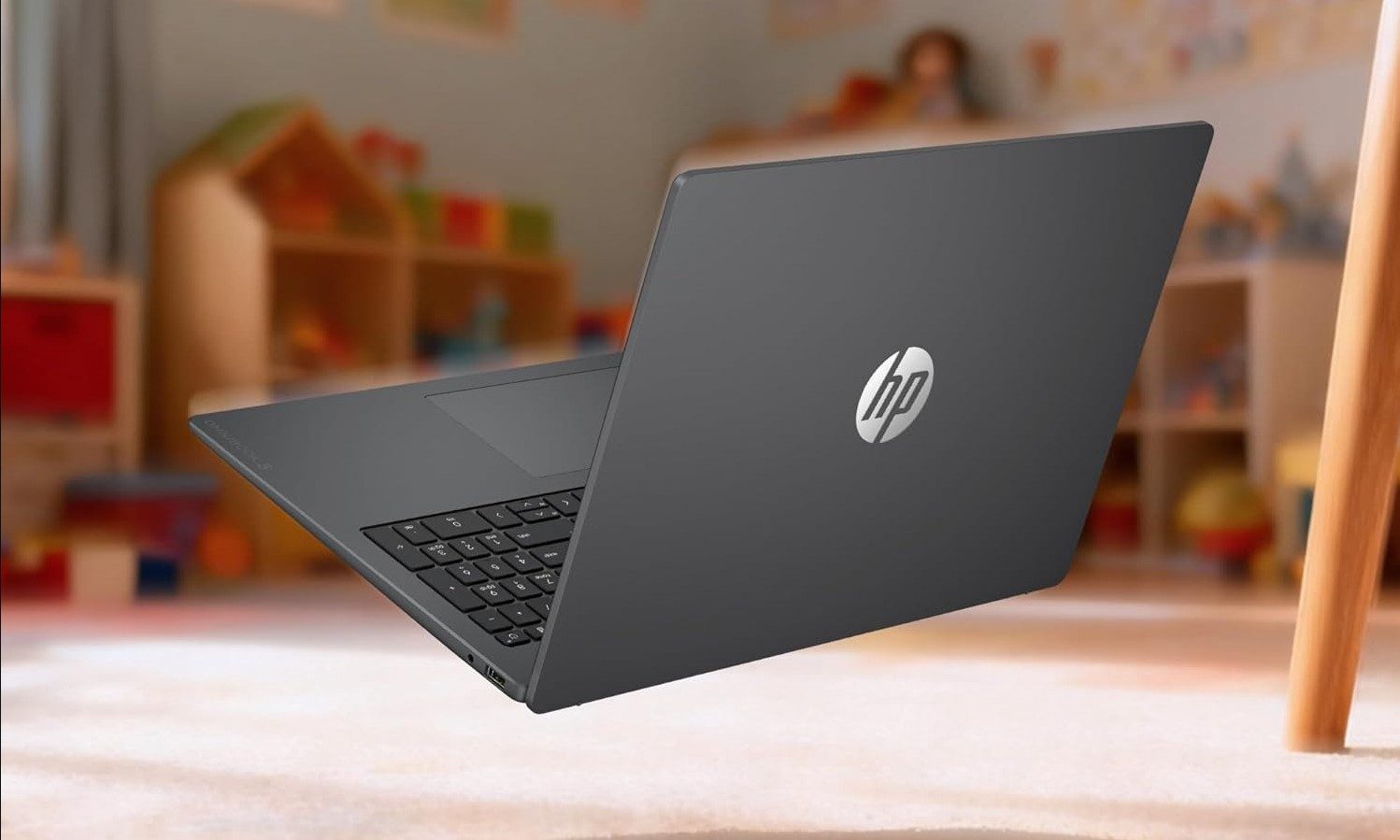
Prime Day has no shortage of budget laptop deals, which makes it harder to tell which ones are actually worth buying. I sifted through the options and narrowed it down to two laptops that look like the best value picks if you need an affordable Windows machine for everyday work, school, browsing, streaming, and basic productivity.
ASUS Vivobook 14








/cdn.vox-cdn.com/uploads/chorus_asset/file/25842117/257518_Nvidia_RTX_5090_TWarren_0005.jpg)



/cdn.vox-cdn.com/uploads/chorus_asset/file/25829476/Adobe_Firefly_Bulk_Create_2.png)