How to Build Your Own AI Apps (No Coding Required)
Are you spending too much every month on software subscriptions that don’t actually fit the way your business works? Wondering how to build custom AI-powered apps and tools, even without any coding or technical experience? In this article, you'll...
 Kass
Kass
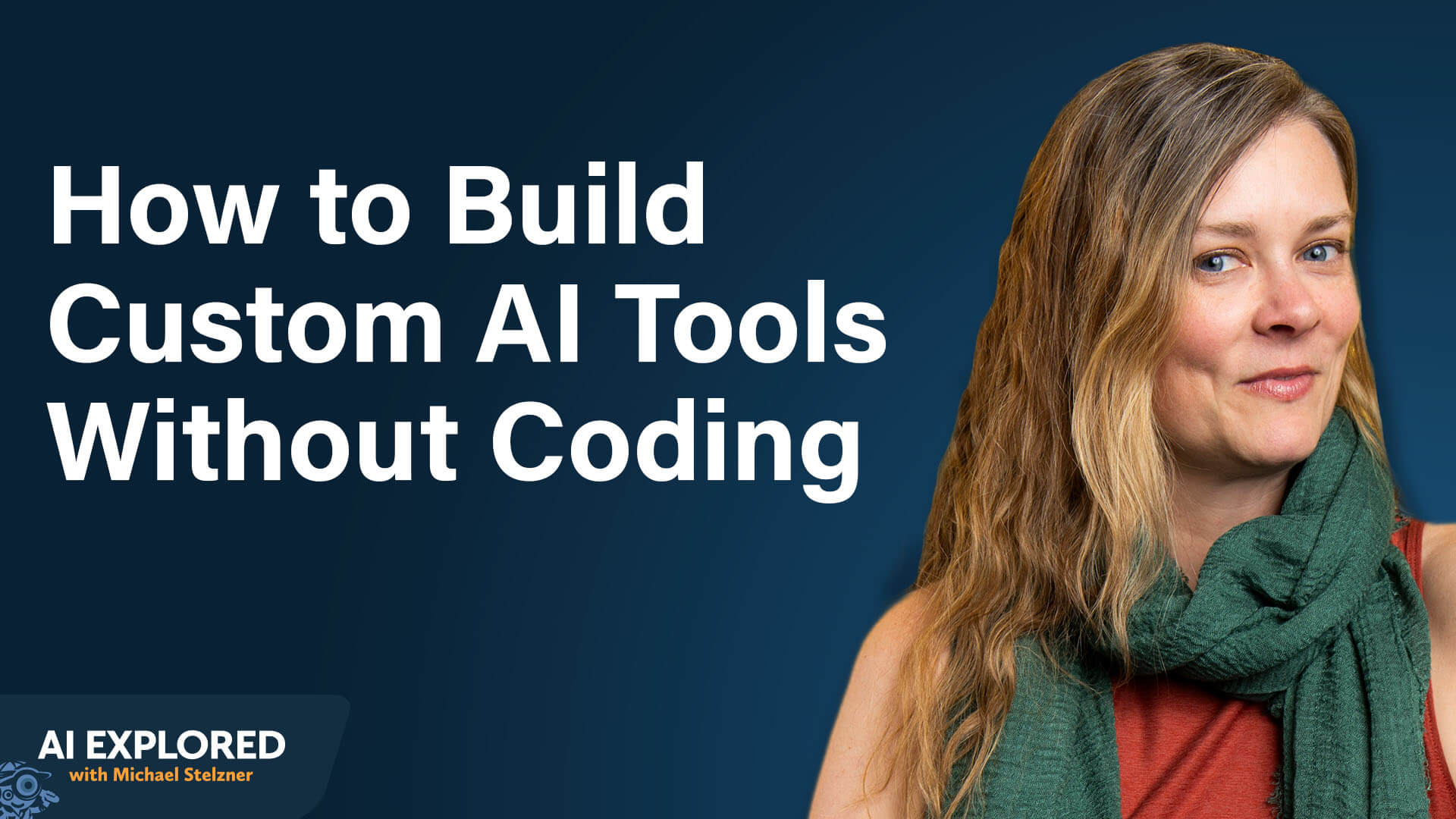
Are you spending too much every month on software subscriptions that don’t actually fit the way your business works? Wondering how to build custom AI-powered apps and tools, even without any coding or technical experience?
In this article, you'll discover how to brainstorm, build, and launch custom AI apps that replace expensive software, even with zero technical background.
This article was co-created by Erika Stanley and Michael Stelzner. For more about Erika, scroll to the end of this article.
Why Business Owners Are Building Custom AI Apps Instead of Buying Software
Business owners no longer need to accept the tradeoff of paying for software that partially solves their problems. AI-powered tools now make it possible to build custom apps from scratch, without writing code or hiring a developer.
Erika Stanley describes this as building for a “market of one,” where the software serves one specific business instead of thousands of generic users.
Traditional software is designed for mass markets, which means individual business owners adapt their workflows to someone else's product. The features they need most are often missing, while features they'll never touch inflate the cost.
Erika points to her own client management system as an example: it costs more than $300 a year and handles leads, contracts, client communications, and invoicing, but it has never quite worked the way she needs it to. There are features she'll never use and capabilities she wishes it had.
That dynamic is shifting. With AI-powered vibe coding platforms and tools like Claude, business owners can now build custom AI apps that solve their specific problems, no coding required. Erika is not a software engineer, yet she has replaced more than $1,200 worth of annual software subscriptions in just a couple of months using this approach, all while paying just $100 per month for a Claude Max plan.
To justify upgrading from Claude's $20-per-month plan to the $ 100-per-month Max plan, she set a simple goal: cut at least $100 per month in software costs to make the upgrade pay for itself.
The benefits extend beyond cost. Custom-built tools do exactly what the builder needs, nothing more and nothing less. When requirements change, the builder can go in and add features rather than emailing customer service and waiting for a response. And once the skill set is in place, the same approach can be applied to new problems.
The app doesn't have to be business-related at all; once the skill set is in place, any problem in daily life becomes a potential build. Apps built this way can become products for memberships, communities, or direct sales.
How Erika Replaced a $29/Month Tool in Less Than Half a Day
Erika's first MVP project was replacing a $29/month subscription tool she'd used for more than two years. Fixer did two specific things for her business. First, it used AI to sort, tag, and color-code her email inbox while generating draft responses that matched the tone of each thread. Second, it provided an AI meeting note-taker that joined every client Zoom call and auto-generated follow-up emails, placing them in drafts ready to send.
Rather than building a full replacement, Erika identified that she already had access to the same capabilities through existing tools. Claude's connectors could handle email sorting and tagging. Fathom's free tier could provide meeting transcripts. And Claude itself could generate the follow-up emails from those transcripts.
The prompt she used to start the project was simple: “Here's the problem I'm having. Here's the software I'm using now. Is there a better way?” She described the problem and the desired outcome, not how to solve it. She let the AI determine the best approach.
The solution wasn't a fancy dashboard or a separate app. It was a scheduled task within Claude that runs every morning at 5:30 AM, a time chosen specifically to conserve tokens. The task processes the inbox, generates an email digest, and sends it via Slack, with each follow-up email delivered as a separate message that can be copied, reviewed, and sent.
Go Deeper Than an Article Can Take You

Join thousands of small-business marketers at Social Media Marketing World — three days of AI, social media, and marketing strategy taught by world-class experts. April 1–3, 2027 in Anaheim.
Every session is pitch-free and built around tactics you can use yourself, no big team required. Your All-Access ticket includes an extra day of workshops, full access to AI Business World, and recordings of everything.
The entire build took less than half a day, and Erika was working on other tasks simultaneously. Claude Code handled the building independently, only pausing when it needed her input to answer a question or approve a step.
#1: Start With the Minimum Viable Product Mindset
The biggest mistake new app builders make is trying to build everything at once. Erika recommends starting with the concept of a minimum viable product, or MVP. The starting point is a friction point: something where, if that one thing were just a little bit easier, the whole day would run smoother.
The analogy is a skateboard. Instead of trying to build a car on day one, Erika suggests starting with the simplest version that solves the core problem. A skateboard has four wheels and two axles. It does the job. It gets from point A to point B faster than walking.
From there, the product can evolve. Add steering, and the skateboard becomes a scooter. Add pedals, and it becomes a bicycle. Each iteration adds functionality while keeping the product usable at every stage. “A working skateboard beats a non-working car sitting in your garage,” Erika says.
#2: Brainstorming and Creating a Product Requirements Document
Once a friction point is identified, the next step is brainstorming a solution with AI.
Erika recommends opening Claude then to describe the problem and the desired outcome, not to prescribe the solution. The AI's internal knowledge of available tools, integrations, and workflows often produces a more elegant solution than what a non-technical user would design independently.
Pro Tip: Erika notes that Fable Five, Claude's highest-level model, is particularly strong at problem-solving. It excels at connecting the dots between a person's problem and the solution they need.
How to Create a Product Requirement Document (PRD) for a No-Code AI App
The next step is creating a product requirements document, or PRD.
In traditional software development, a PRD is the first thing an engineer requests. It's a comprehensive list of everything the product needs: what it should look like, how it should operate, and what should happen when a user takes a specific action. Branding can be included if the app needs a particular visual identity.
Any LLM can generate a PRD from a conversation. Erika recommends describing the product concept and then asking the AI to “create a PRD for me.” The AI will produce a detailed requirements list that should be reviewed line by line. Because the model has to make some inference jumps when creating the document, it's important to check that every requirement is accurate, that nothing critical is missing, and that the AI hasn't misunderstood the intent.

Tired of Guessing Which AI Moves Matter?
New AI tools and strategies launch every week — and figuring out which ones matter takes hours you don't have.
The AI Business Society filters the noise for you, with expert-led training you can put to work the same day — plus a community of marketers sharing what's actually working.
For business owners who aren't sure what to include in a PRD, the AI can conduct an interview that walks users through PRD creation.. It asks questions back and forth, covering what the product should do, what problem it solves, and how users will interact with it. Each answer fills in the gaps, and the result is a polished requirements document ready to feed into a building platform.
Pro Tip: Erika recommends completing all brainstorming and PRD work in Claude or ChatGPT before entering the vibe coding step. Vibe coding platforms charge tokens for every exchange, and credits run out quickly during active building, so arriving with a finished PRD saves credits. She also recommends paying monthly rather than annually, bumping up to a higher tier during active building, and dropping back to the lowest tier once the app is finished and only needs hosting.
#3: Building the App With a Vibe Coding Platform
With a PRD in hand, the next decision is where to build the app with vibe coding.
Vibe coding is the practice of describing what an app should do in plain language and letting AI generate the code, no programming knowledge needed. Several vibe coding platforms exist, including Lovable, Base44, Replit, and Bolt.
Erika has used multiple platforms and currently prefers Lovable at $25 per month. Lovable functions as an end-to-end solution, taking a project from brainstorming through development to deployment, ending with a live URL that can be shared with anyone. The platform includes hosting and a database, so there's no need to set up external infrastructure.
She finds Lovable more intuitive than alternatives for two reasons: the brainstorming and chat experience feels more natural, and the deployment settings are easier to navigate.
Once the PRD is loaded into Lovable, the platform builds the app. Making changes is handled through a chat box in the left sidebar. Requesting a change, such as adding light mode and dark mode, generates a prototype that can be tested within the platform before publishing. Once the update is ready, clicking publish automatically replaces the live version that all users see.
Claude Code offers another path. It can accept the same PRD and build a functional app, but it builds locally on the builder's computer. This makes it ideal for personal-use apps where only one person needs access. Regular Claude can also publish apps as artifacts, but Erika notes that those are meant to be prototypes, not production-ready applications.
Publishing for multi-user access takes extra steps, covered in the hosting section below.
Pro Tip: To design the app interface with a polished look, Erika recommends using regular Claude to mock up what the login page, homepage, and interior pages should look like based on the PRD. Claude Design can take those mockups further, adding branding, colors, logos, and generating multiple variations to choose from. Pinterest mood boards can serve as visual references for the desired style.
#4: Deploying, Hosting, and Keeping the App Secure
How to Host Your App
Two hosting platforms work well for vibe-coded apps: Vercel, which is free and suits simple apps with low traffic, and Railway, which costs approximately $5 per month and handles apps that need a database, like the book club app. Both connect to GitHub, a code storage platform that tracks every version of the app, similar to how Google Drive works for documents.
Lovable and Base44 handle hosting automatically, so there's nothing extra to set up. They also support custom URLs within the platform. To avoid the cost of purchasing an additional domain name, Erika sets up a redirect from her website so that users visit a clean, branded link like AIQueens.com/appname rather than a Lovable domain.
Apps built in Claude Code need a separate hosting service to make them accessible online. Claude can walk through the setup process step by step.
How to Secure a Vibe-Coded App
Security is essential for any app that handles user logins, email addresses, or passwords. Erika notes that hackers are specifically targeting vibe-coded apps, making security checks a necessary step before publishing.
Lovable and Base44 include built-in security checks. Before publishing, the platform flags major security issues with a red indicator and can fix those vulnerabilities automatically.
Claude Code can also address security issues, but it won't flag them on its own. Builders using Claude Code should specifically ask what security vulnerabilities might exist and request fixes before deploying.
How to Manage App Backups
For version control, connecting each app to the same GitHub repository used for hosting makes it possible to recover previous versions if an update causes problems. Lovable also allows rolling back several steps without a GitHub connection.
For Claude Code builds, Erika recommends telling the AI to back up to GitHub. With smarter models, instructing the AI at the beginning of a build session to make periodic backups can work, though she notes that reminders are sometimes needed throughout the process.
Erika Stanley, founder of AI Queens and Mile End Digital, is an AI strategist and educator who helps women turn AI confusion and hesitation into business growth. Book a free Coffee Chat. Follow them on Instagram and LinkedIn.
Other Notes From This Episode
Connect with Michael Stelzner @Stelzner on Facebook and @Mike_Stelzner on X. Watch this interview and other exclusive content from Social Media Examiner on YouTube.Listen to the Podcast Now
This article is sourced from the AI Explored podcast. Listen or subscribe below.
Where to subscribe: Apple Podcasts | Spotify | YouTube Music | YouTube | Amazon Music | RSS
✋🏽 If you enjoyed this episode of the AI Explored podcast, please head over to Apple Podcasts, leave a rating, write a review, and subscribe.
Stay Up-to-Date: Get New Marketing Articles Delivered to You!
Don't miss out on upcoming social media marketing insights and strategies! Sign up to receive notifications when we publish new articles on Social Media Examiner. Our expertly crafted content will help you stay ahead of the curve and drive results for your business. Click the link below to sign up now and receive our annual report!

Where Do You Actually Stand With AI?
Most marketers use AI, but they don't know what's holding them back from real results.
Our 3-minute quiz pinpoints the one gap keeping you stuck — and gives you the exact next step to fix it.