This Mac app can turn every window into a CRT fever dream or a nostalgic Game Boy
Glaze 1.9 uses real-time GPU shaders to transform every Mac window, video, and game, with over 50 looks and a one-time $9.99 price.
 JimMin
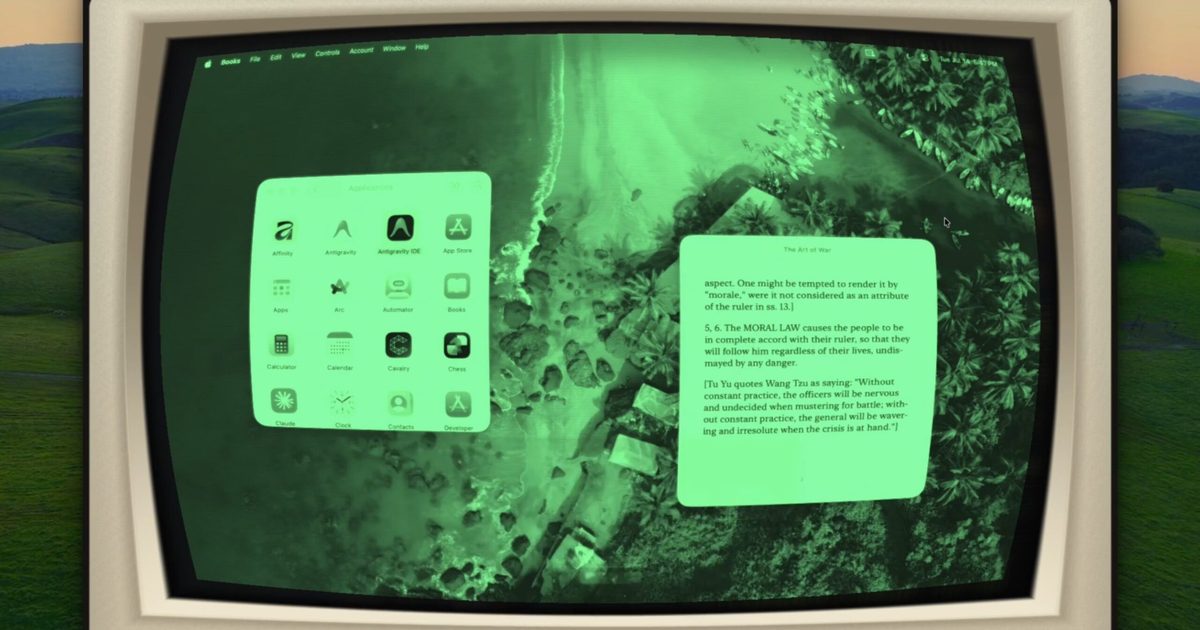
Apple doesn't let offer wacky customization on Macs, but Glaze has got you covered.
 Innative
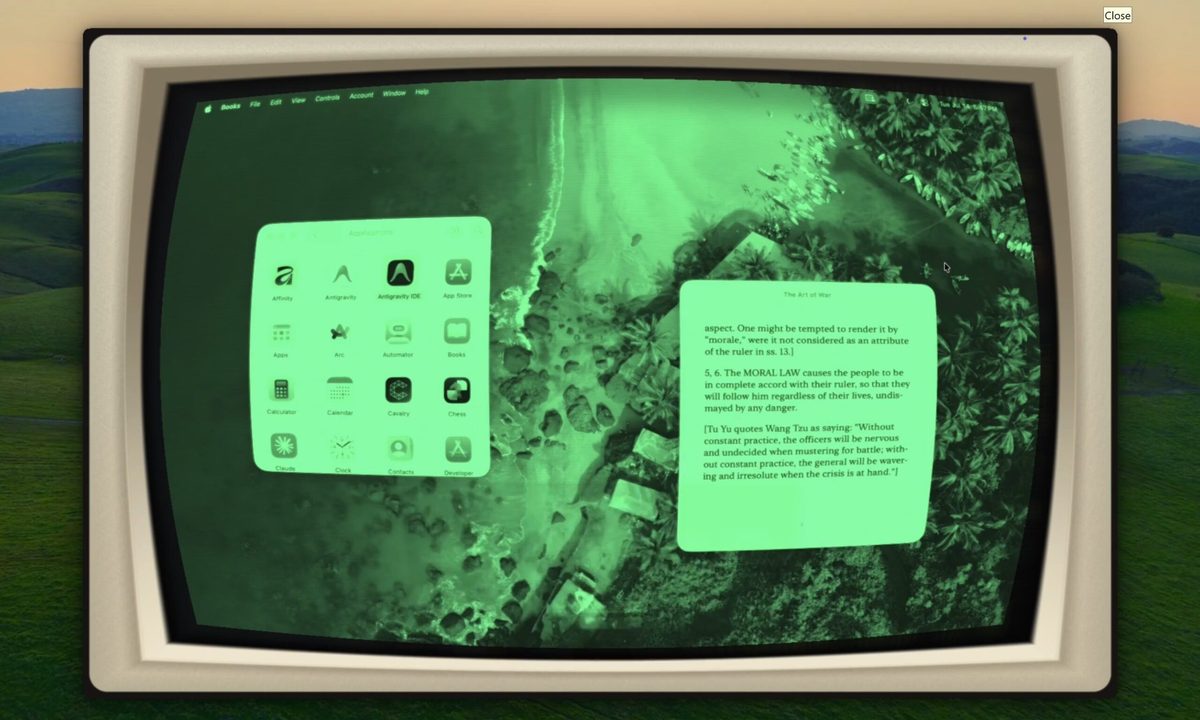
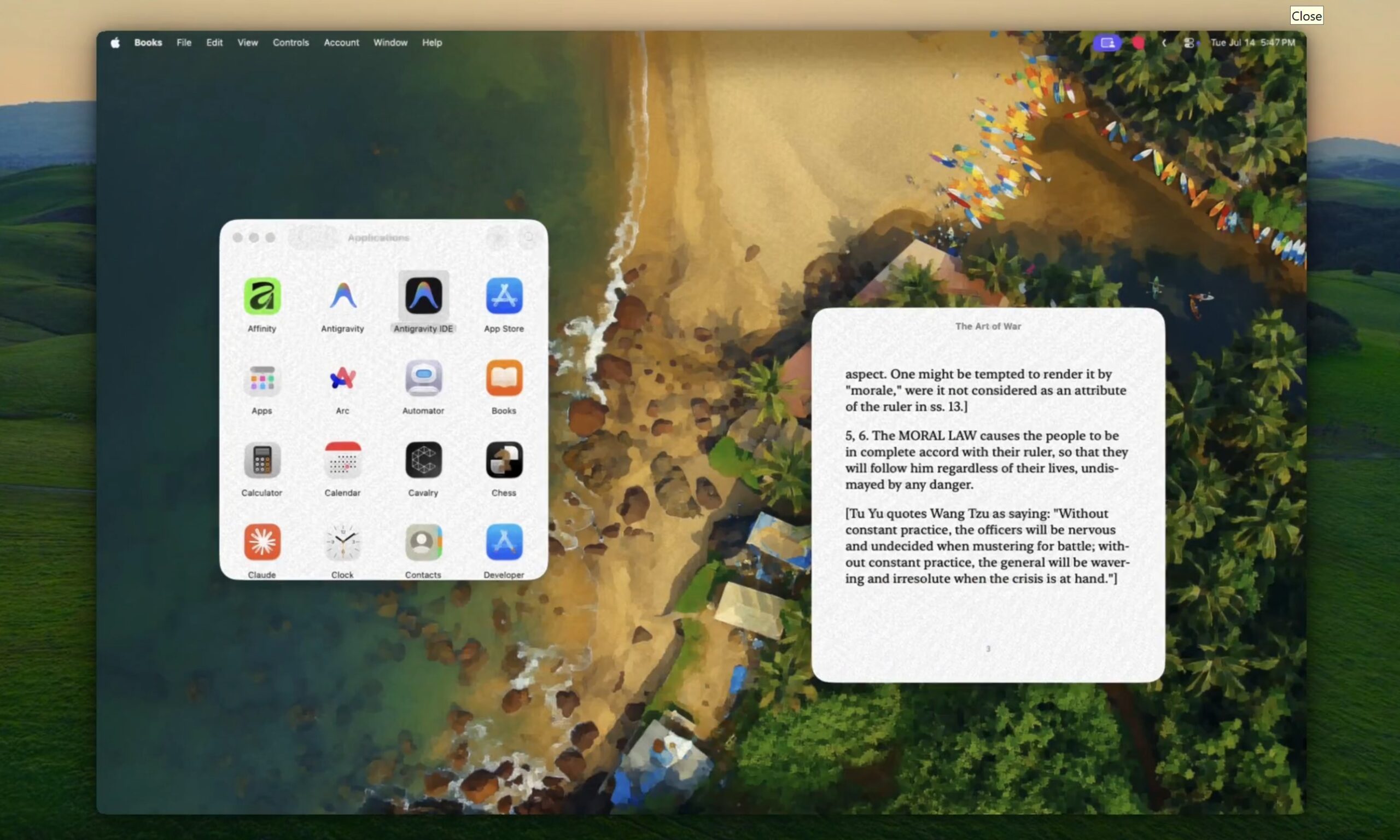
If you’re tired of only being able to customize your wallpaper, accent colors, and other basic aspects of your MacBook, an indie called Glaze could be something you might want to try out. The latest release, Glaze 1.9, can transform your Mac’s entire live display using more than 50 GPU-powered visual effects. Those include convincing recreations of CRT monitors, Game Boy screens, worn VHS tapes, comic books, oil paintings, old film, vintage paper, and even Sony’s Trinitron displays.
 Innative
Your Mac can finally cosplay as a CRT
Glaze began as developer Armaan Khan’s attempt to recreate the glow, curved glass, and scanlines of an old CRT iMac through software. The effect is applied over the live screen, meaning it continues across app windows, videos, browsers, and games instead of disappearing once you move beyond the desktop.
The CRT preset can even surround the screen with an optional cream-colored monitor housing to turn the modern MacBook display into something more dramatic. Users can adjust the intensity of individual effects, including how strongly the simulated screen curves.
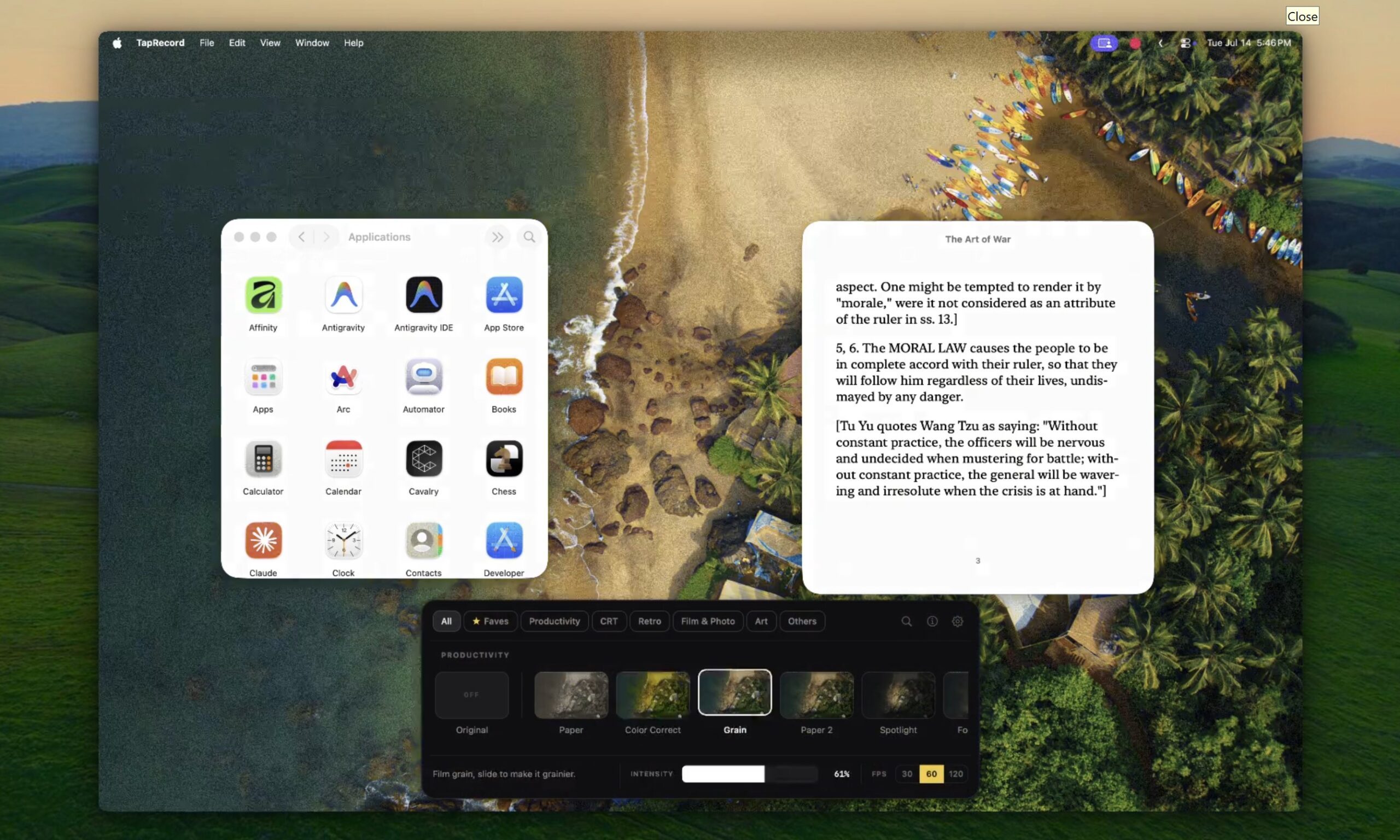
Version 1.9 also adds calmer Productivity looks intended for everyday work. Comfort softens harsh white interfaces, Midnight pushes the display darker and warmer for late-night use, and Color Correct offers several color-vision accessibility adjustments. The developer says the accessibility mode will remain free.
You need to give it some permissions first
Glaze needs macOS Screen Recording permission because it must access the live display before applying its effects. Khan says the screen is never recorded, saved, or uploaded, with all processing remaining on the Mac. There is no required account, and the app supports both Apple Silicon and Intel hardware.
 Innative
According to the developer, Glaze generally consumes between 100MB and 300MB of memory while leaving most processing to the GPU. Low Power Mode can halve available GPU performance and make more demanding shaders stutter, so users are advised to disable it while the app is running.
There is also a brief delay when moving between macOS Spaces. The new desktop remains usable immediately, although the selected shader may take about a second to catch up. Glaze costs $9.99 as a one-time purchase, including future updates and new effects. Paper, Game Boy, and Prank Mode can be used indefinitely for free, while the paid license covers one Mac at a time and can be transferred between machines.

Vikhyaat Vivek is a tech journalist and reviewer with seven years of experience covering consumer hardware, with a focus on…
Buying a monitor? This Mac app can expose problems before the return window closes
Your new monitor may look perfect, but it doesn't hurt to double check.
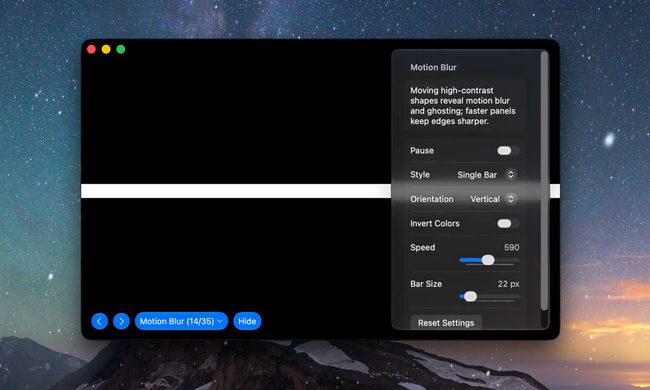
Making a brand-new tech purchase doesn't always carry the guarantee of a perfectly functioning unit. But a tiny Mac app called Screen Test can help you find a defect before it gets too late. Screen Test (version 1.1) is a native macOS utility containing more than 25 patterns and diagnostic tools for evaluating built-in and external displays. It can help reveal dead or stuck pixels, backlight bleeding, and other issues. The app works completely offline, so you don't have to rely on browser tabs or an internet connection.
Every pixel gets scrutinized
The old internet built a museum for dying tech sounds, and it’s somehow still alive
The wonderfully dated site has outlasted many of the noisy gadgets it was created to preserve
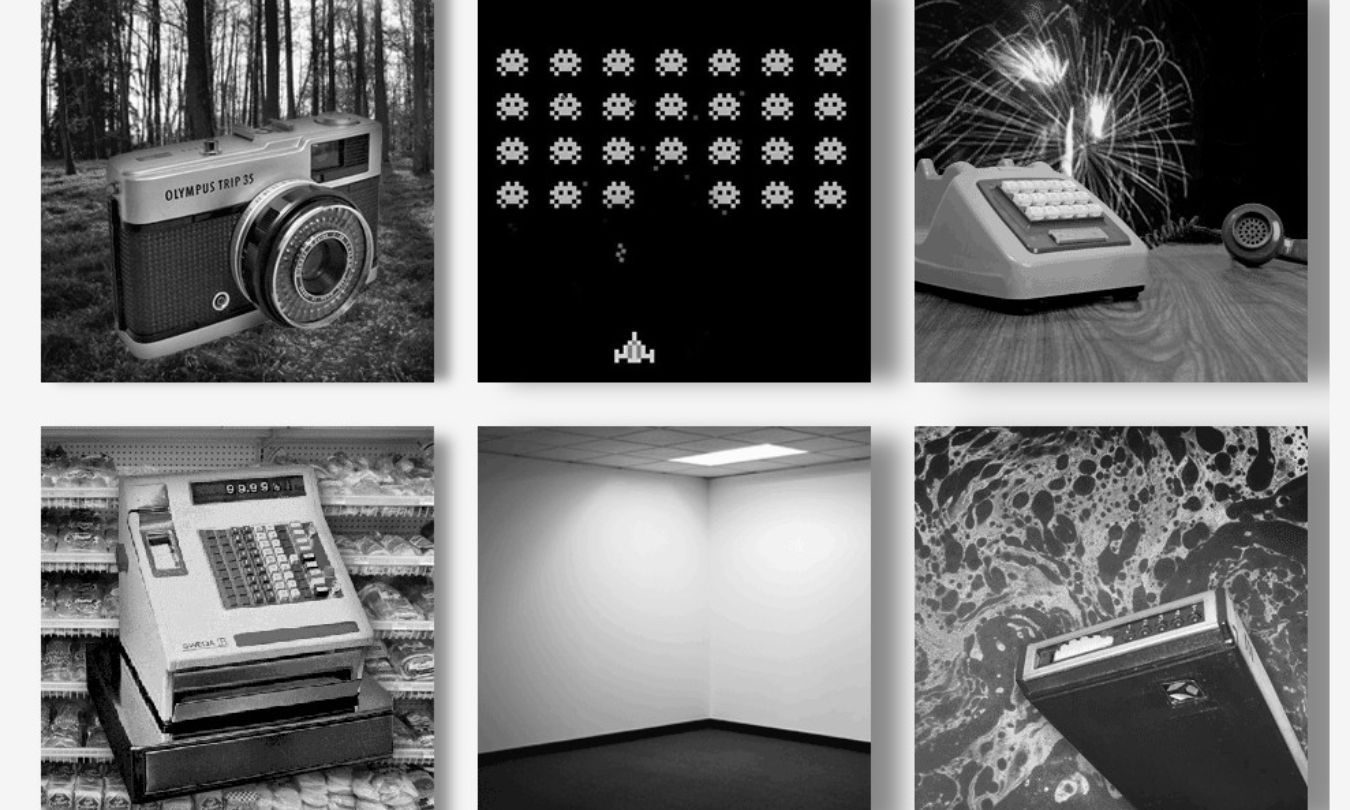
Before our gadgets became silent glass rectangles, they complained constantly. Dial-up modems screeched through every connection, while dot-matrix printers sounded like they were slowly chewing through the desk.
The Museum of Endangered Sounds keeps that irritating soundtrack alive. It first appeared in 2012, but the site is still online 14 years later, inviting visitors to hear technology that has mostly disappeared from everyday life.
Microsoft wants to stop screenshot leaks, one Edge tab at a time
Sensitive PDFs are getting screenshot protection, exclusively in Microsoft Edge

Microsoft is looking to improve the privacy protection of your sensitive PDFs by closing one of the more obvious loopholes in its document protection system. It is also giving businesses another reason to keep Microsoft Edge firmly installed.
Starting next month, OneDrive and SharePoint will block screen captures when users open certain sensitivity-labeled PDFs through their web viewers in Microsoft Edge. The restriction applies to enterprise organizations using Microsoft Purview Information Protection rather than ordinary personal OneDrive accounts.








/cdn.vox-cdn.com/uploads/chorus_asset/file/25819654/257473_Gaussian_splats__CVirginia.jpg)