Google Meet can finally take notes for your in-person meetings
Google Meet's meeting notes feature is expanding beyond video calls, letting Gemini take notes during your in-person meetings and turn them into a doc with action items and a full transcript.
 BigThink
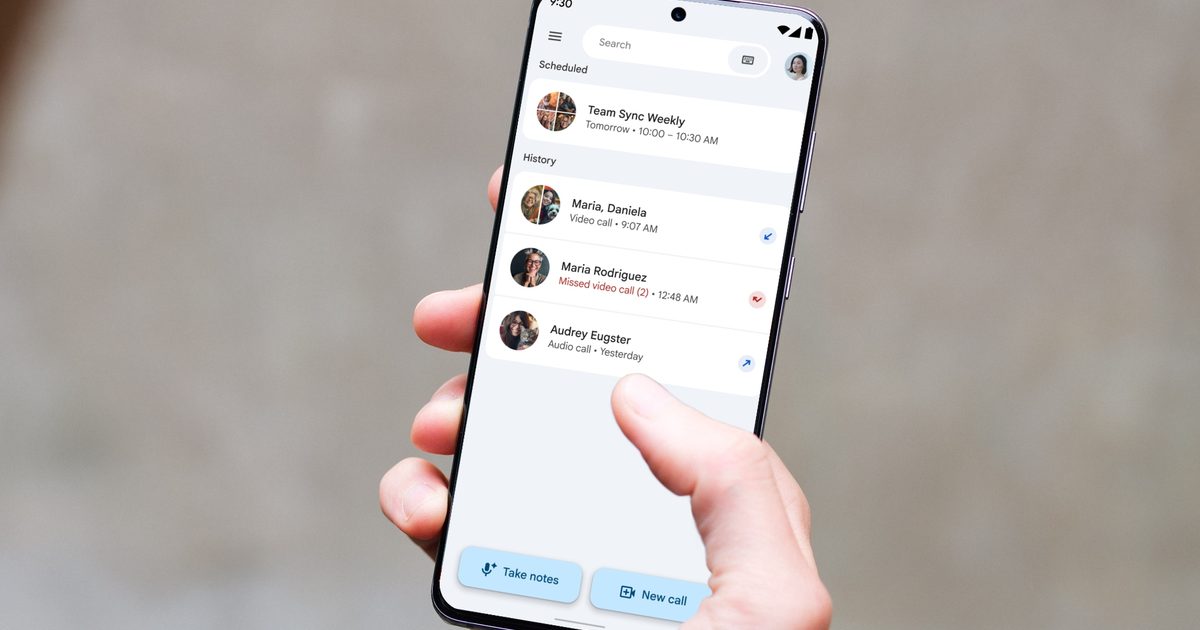
Your next in-person meeting just got a built-in scribe.
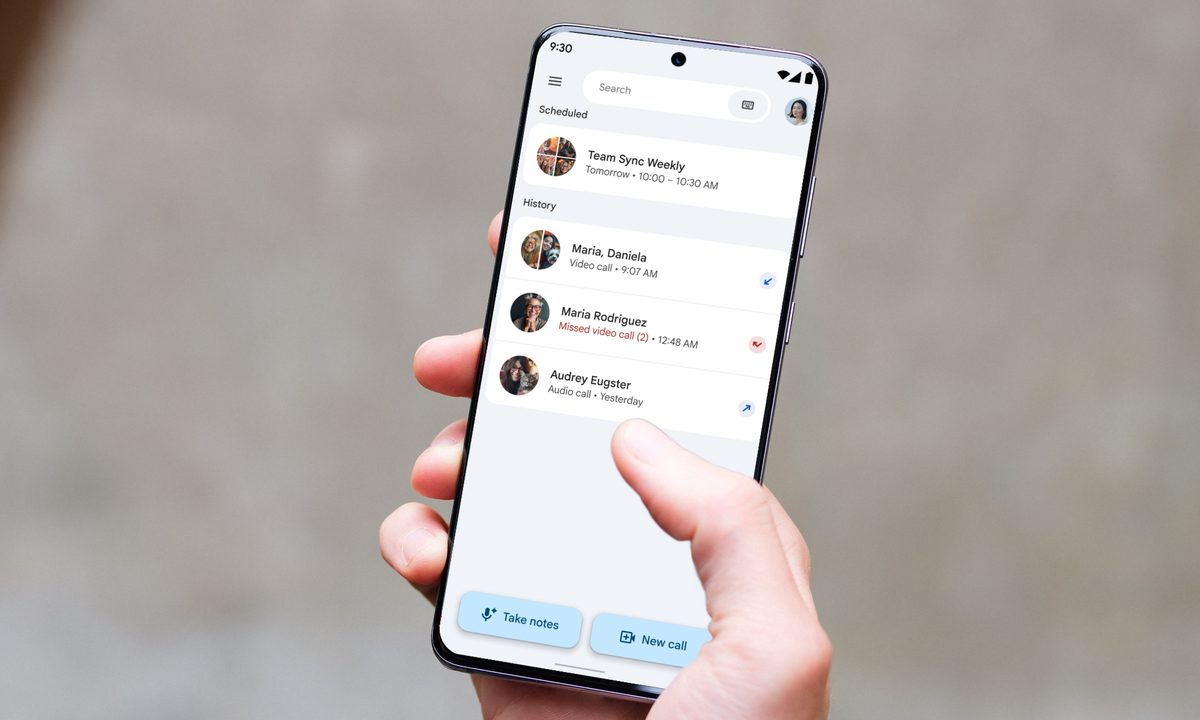 Google | Digital Trends
We’ve all been there. You’re in a meeting, trying to stay in the moment and contribute ideas, while also scrambling to jot down notes so nothing important slips through the cracks. Turns out, you don’t have to choose one over the other anymore.
Google is rolling out a new feature that lets Google Meet handle note-taking for your in-person meetings, not just video calls. Google announced this feature at its Google Cloud Next 2026 event in Las Vegas, and it’s finally making its way to users.
How does Google Meet’s note-taking feature work?
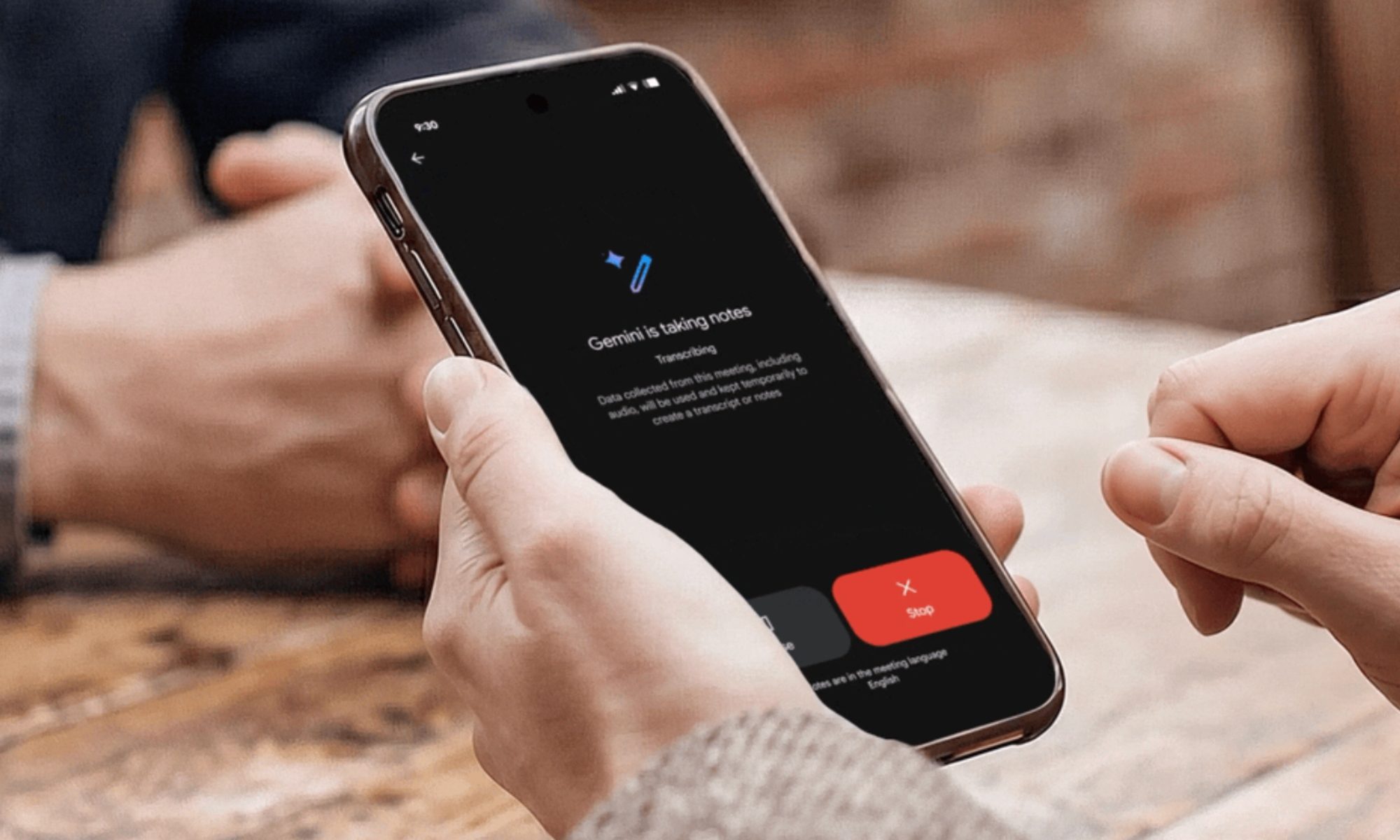
Starting a session is easy. Just open Google Meet in your web browser or on your phone, then tap the Take notes button right from the home screen. Once you hit record, Gemini quietly gets to work, picking up on everything being discussed in the room.
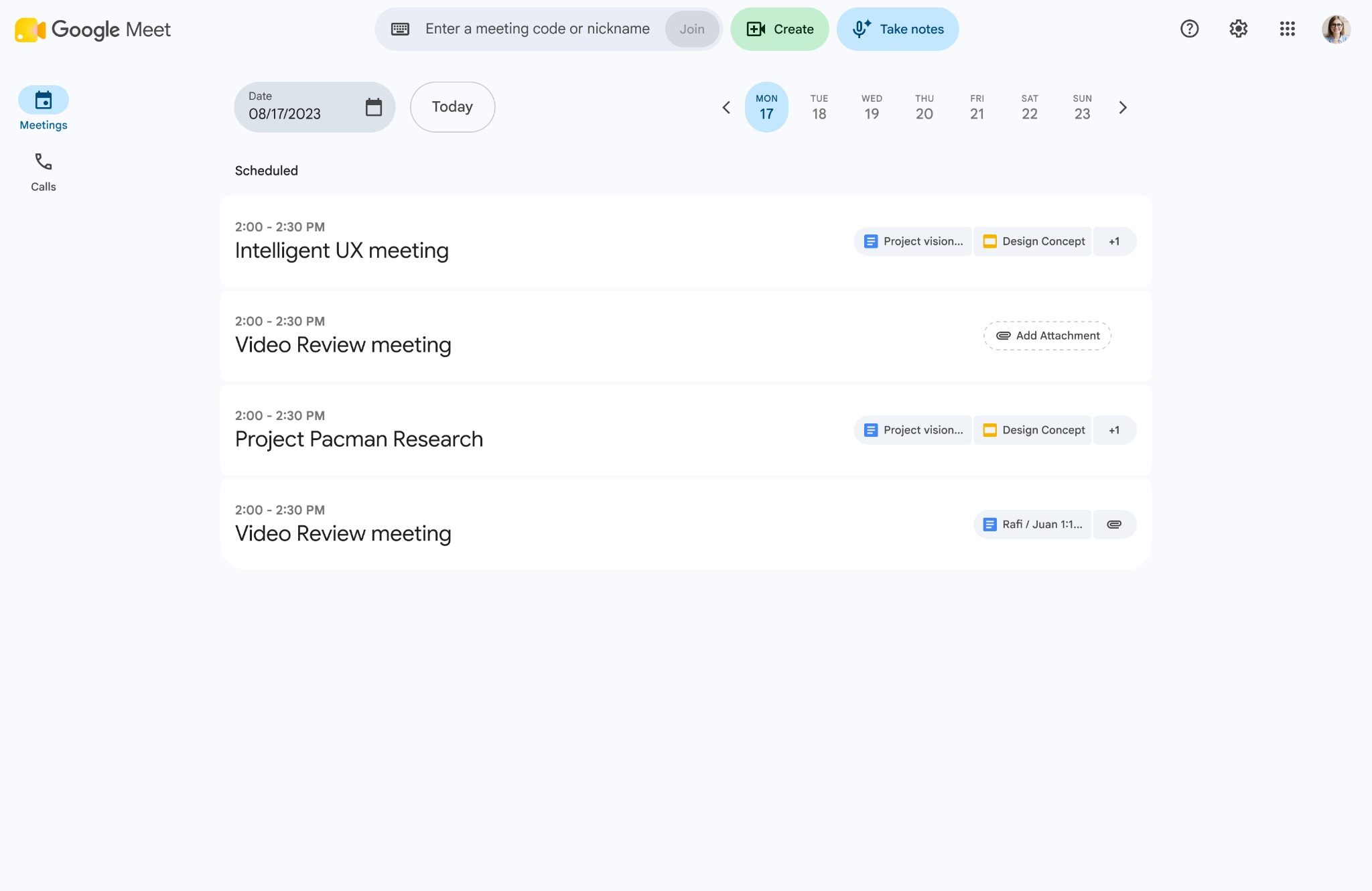 Google
When the meeting ends, hit that same button once more to wrap up the recording. From there, Gemini organizes everything it captured into a neat summary, lists out the action items, and puts together the full transcript, all inside a fresh Google Doc.
The Doc is then saved into your Google Drive, and you’ll also get an email with the link so you’re not left digging for it later.
Who gets access to this feature?
If you’re an admin, this feature is tied to your existing Google Meet notes settings, so there’s nothing extra to set up. As for rollout, Android users will start seeing this from August 11, while web users should get it starting August 14.
iOS users will have to wait a bit longer, with the rollout beginning no sooner than August 31. So, depending on your platform, you might already have access, or you may need to wait a few more weeks for the button to show up.
The feature is available to Business Standard and Plus, Enterprise Standard and Plus, Google AI Pro and Ultra consumer plans, and Frontline Plus users.

Rachit is a seasoned tech journalist with over ten years of experience covering the consumer technology landscape.
Google drops Gemini 3.7 Flash model, and it’s ready to handle your chores with the Spark agent
Gemini 3.7 Flash makes Google’s Spark agent better at multi-step tasks
Google has launched Gemini 3.7 Flash, and one of its biggest upgrades is going straight to Gemini Spark.
The company says Spark is moving to the new model starting today, giving its cloud-based agent better tool use and stronger performance on multi-step tasks. Google specifically points to work such as consolidating files, drafting emails, and updating status documents across Google Workspace.
AI agents are sitting through students’ online courses, and colleges are struggling to stop them
The technology has moved from helping with homework to effectively impersonating students inside virtual classrooms.

AI cheating has already gone from asking a chatbot to write an essay to using tools that can make that AI-written work look human. We've previously talked about AI tools designed to help students cheat and the growing problem of AI detectors struggling to keep up, as well as how commonly students are already using AI for homework. Now the technology isn't merely helping students do the work. In some cases, it can effectively be the student.
Just tell the AI to take the class
Microsoft is bringing its Copilot apps together before its planned ‘super app’ debut
Microsoft kicked off its Copilot app merger, combining personal and work experiences while keeping account data fully separate.
If you have been staring at two separate Copilot icons cluttering your taskbar, that annoyance is finally going away. Microsoft has started merging its consumer Copilot app with Microsoft 365 Copilot into a single unified experience, and this rollout is officially the first step toward the bigger "super app" the company plans to launch later this year.
What changes once the apps merge?


















.jpg&h=630&w=1200&q=100&v=c0f97a310e&c=1)